Unique permissions report for a SharePoint site using PnP PowerShell
List every SharePoint library, folder, file and item with unique permissions using PnP PowerShell, and see why sharing links make the count higher.


List every SharePoint library, folder, file and item with unique permissions using PnP PowerShell, and see why sharing links make the count higher.
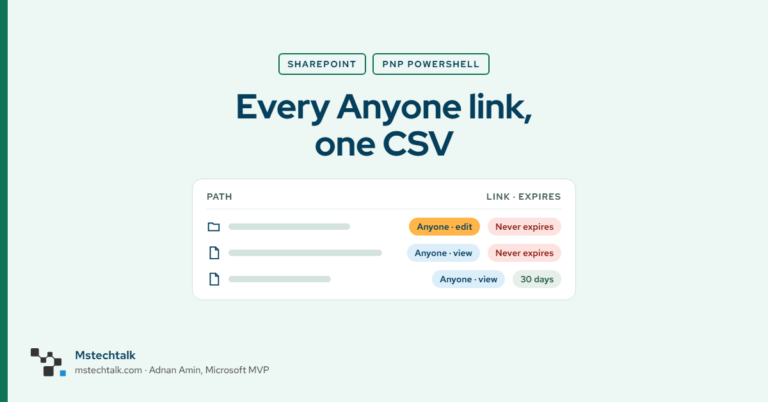
Find every Anyone link on a SharePoint site: the Data access governance report for sites, then a PnP PowerShell script for files, folders and expiry.
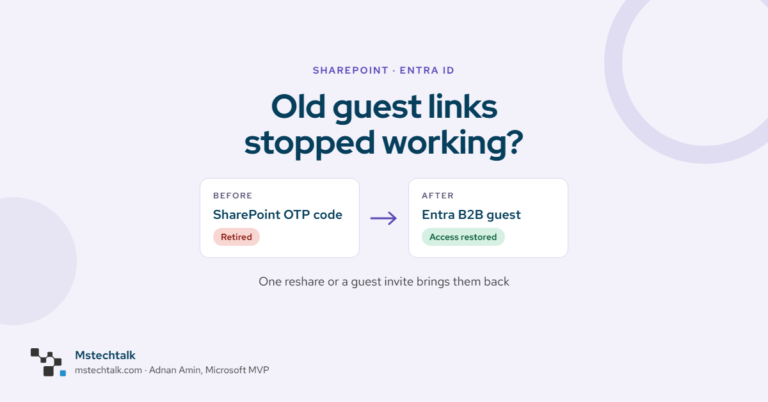
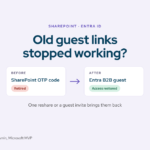
SharePoint OTP retires by end of November 2026. Find guests without an Entra B2B account and restore access with one reshare or a guest invite.
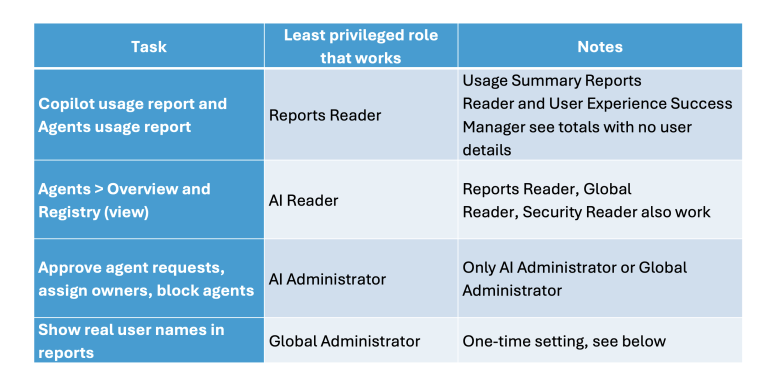
In my previous post How to monitor Microsoft 365 Copilot and agents usage in your organization, i have shared about Copilot and Agents usage details, i got some…
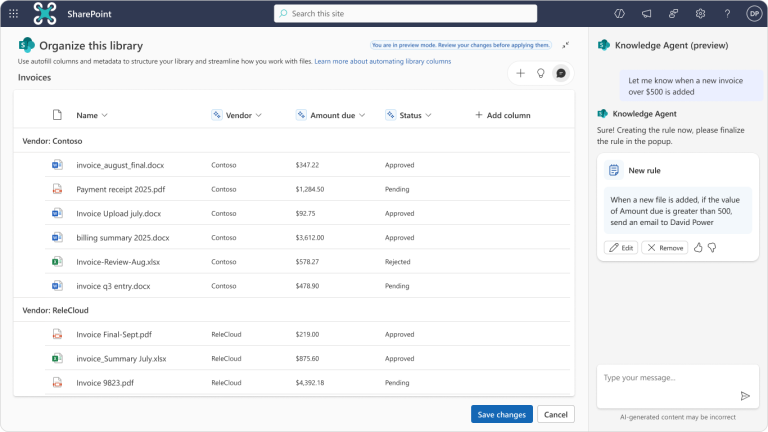
Knowledge agents are only as good as the information they can access, understand, and trust. Even the most advanced AI agent will fail if enterprise content is poorly…
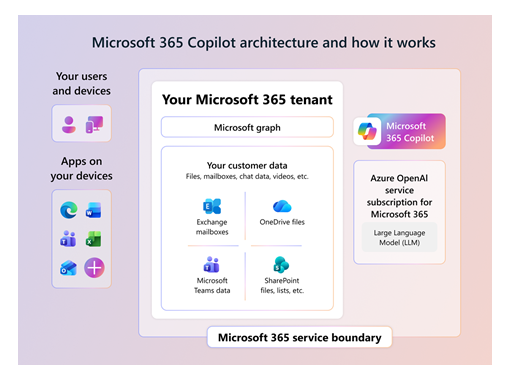
One of the most common questions organizations ask before deploying Microsoft 365 Copilot is how it actually uses company data. This concern is understandable. Copilot can summarize meetings,…
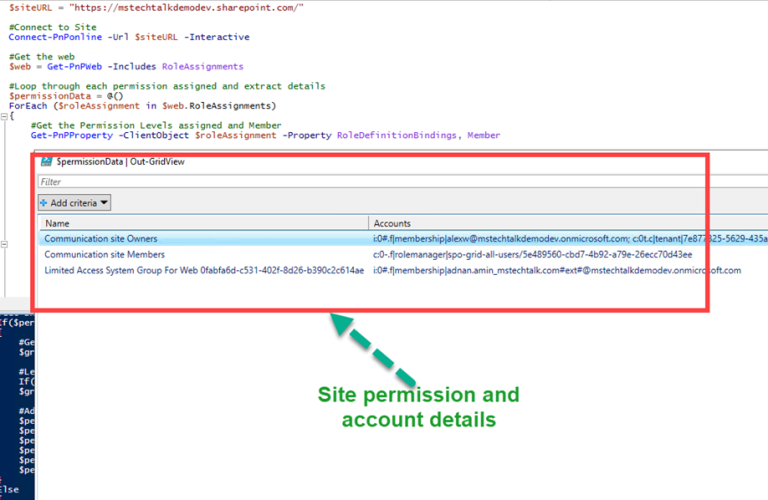
This is one of the most common requirement which you get from the site owners, they want to know who have access to the site. This is also…

Managing site security in SharePoint involves understanding how to handle site permissions, create security groups, and manage user roles. The SharePoint Admin center is the starting point for…
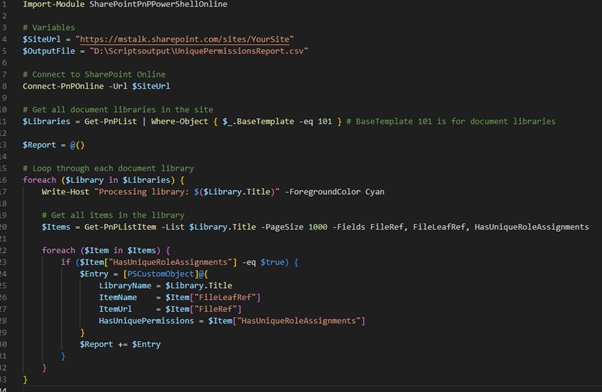
Managing permissions in SharePoint Online can be a challenging task, especially when dealing with items that have unique permissions. To simplify this process, we can use PowerShell to…
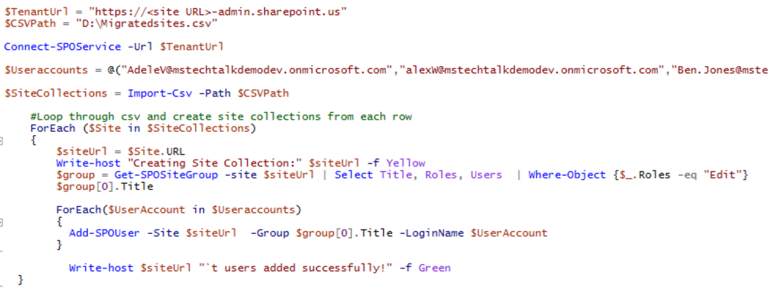
Recently I got a requirement from a customer, they want to assign edit permissions to few users on multiple sites. It would be easy to go to the…
© 2007–2026 MSTechTalk by Adnan Amin, Microsoft MVP. Free PowerShell scripts on GitHub.