

Microsoft 365 guides and free PowerShell scripts for admins
Practical, tested how-tos for SharePoint, OneDrive, Teams and Copilot by Adnan Amin, Microsoft MVP. Most articles come with a script you can run today.
Browse by topic
Pick an area to see every guide and script for it.
Latest articles
New guides, Message Center changes and scripts.
- Microsoft Graph sharedWithMe and recent stop returning data this month
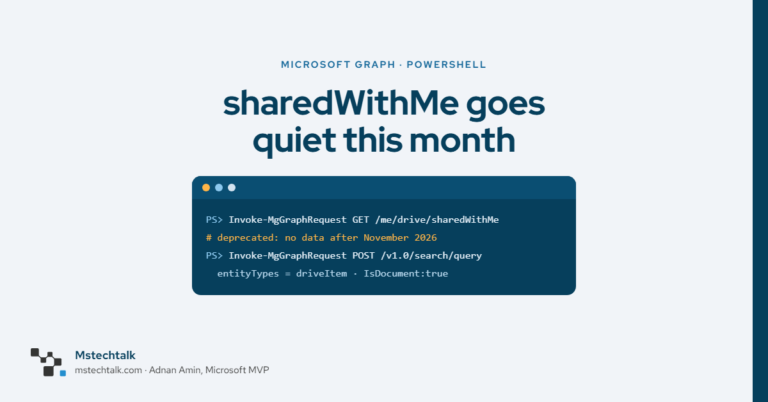 Graph sharedWithMe, recent and two insights endpoints stop returning data after November 2026. Find old calls in your scripts and move to the Search API.
- Unique permissions report for a SharePoint site using PnP PowerShell
 List every SharePoint library, folder, file and item with unique permissions using PnP PowerShell, and see why sharing links make the count higher.
- How to find Anyone links on a SharePoint site with PnP PowerShell
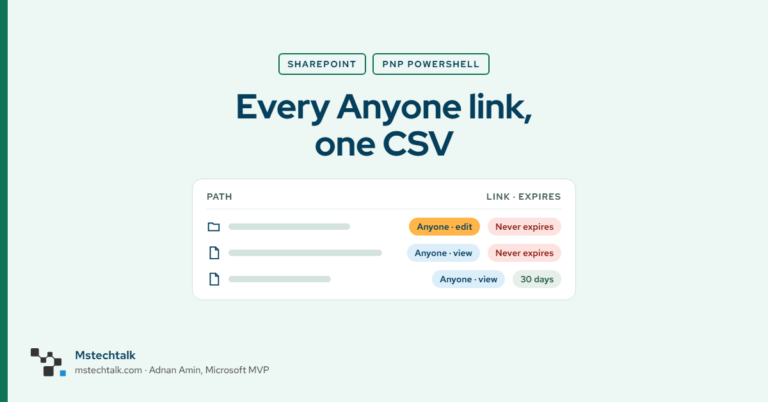 Find every Anyone link on a SharePoint site: the Data access governance report for sites, then a PnP PowerShell script for files, folders and expiry.
- Guests getting access denied on old SharePoint links after OTP retirement
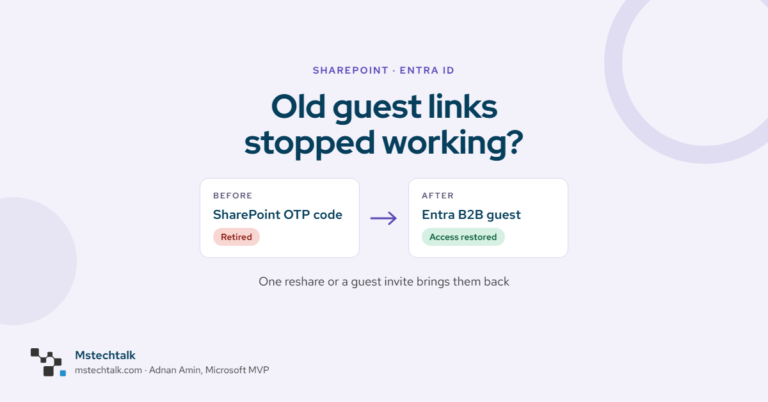 SharePoint OTP retires by end of November 2026. Find guests without an Entra B2B account and restore access with one reshare or a guest invite.
- Three ways to find which SharePoint sites have Copilot blocked
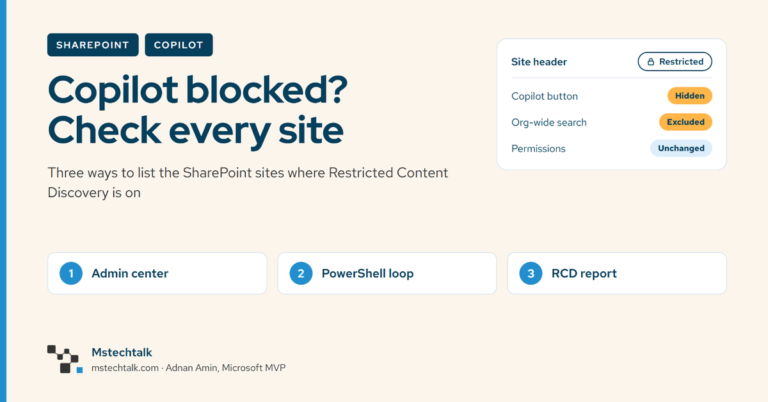 Three ways to list SharePoint sites with Copilot blocked by Restricted Content Discovery: admin center, SharePoint Online PowerShell and the RCD report.
- What changed when the Copilot in SharePoint opt-outs ended on 1 November
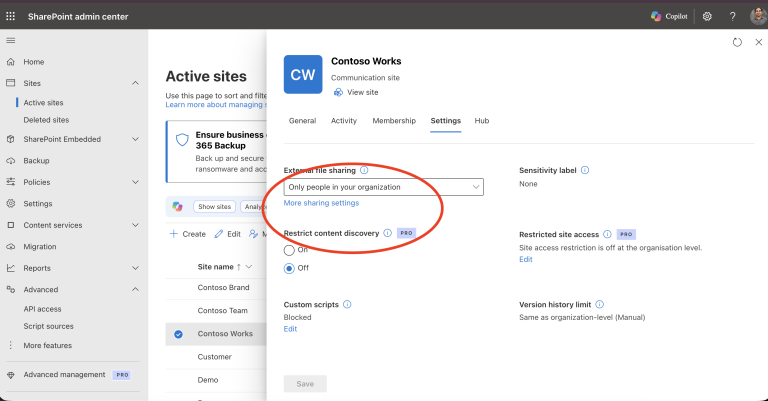 Last Wednesday morning a site owner at a client sent me a screenshot of the Copilot button on their Legal site, a… Read more: What changed when the Copilot in SharePoint opt-outs ended on 1 November
Start here
The guides most admins ask about first.
Unique permissions report for a SharePoint siteFind every Anyone link on a SharePoint siteFind which SharePoint sites have Copilot blocked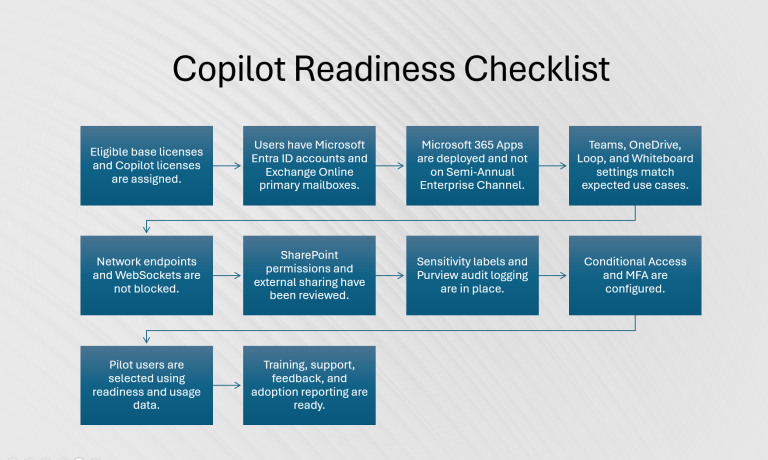 Microsoft 365 Copilot readiness checklist
MSTechTalk.M365 PowerShell module
The scripts from these articles are becoming one free, read-only reporting module for Microsoft 365: permissions, sharing, storage, OneDrive and Copilot reports from tenant level down to a single library.
Get new posts by email
One short email a week with the new Microsoft 365 guides and PowerShell scripts. Unsubscribe any time.