

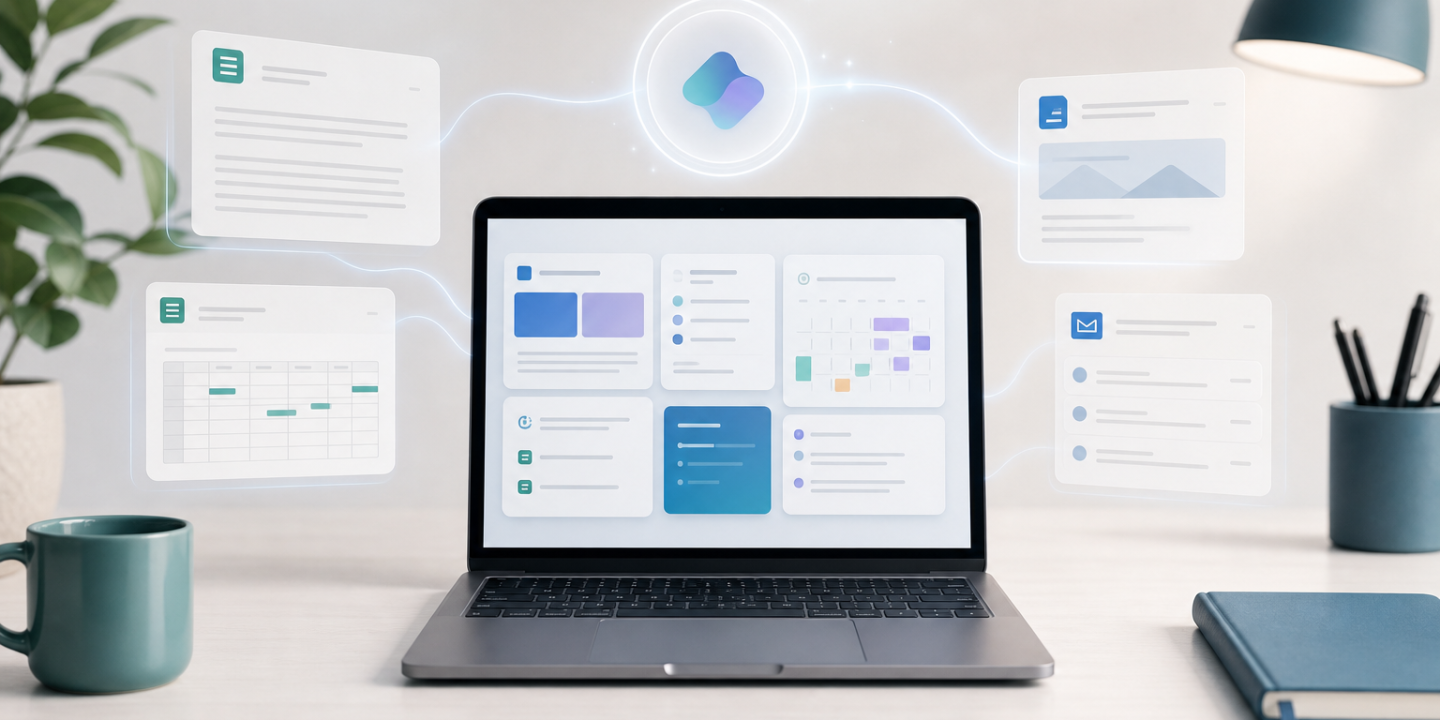
Microsoft 365 Copilot can help you save time across everyday work like emails, meetings, documents, spreadsheets, and presentations. Microsoft recommends writing prompts with a clear goal, context, expectations, and source so Copilot understands exactly what you need.
Here are 10 practical Microsoft 365 Copilot prompts you can use to make your workday smoother and more focused.
1. Start Your Day With a Work Summary
Prompt:
“Summarize my emails, chats, meetings, and documents from the last 24 hours. Highlight urgent items, decisions made, deadlines, and anything waiting on my response. Format it as a short priority list.”
Use this when you open your laptop and need a fast view of what matters most.
2. Prioritize Your Inbox
Prompt:
“Review my unread emails and group them into: urgent, needs reply today, can wait, and informational. For each urgent email, suggest a short reply I can personalize.”
This is useful when your inbox feels busy but you do not want to spend an hour sorting messages.
3. Prepare for a Meeting
Prompt:
“Help me prepare for my next meeting. Summarize the agenda, related emails, previous meeting notes, open action items, and likely questions I should be ready to answer.”
Microsoft notes that Copilot can help users catch up on meetings and summarize key points in Teams.
4. Turn Meeting Notes Into Action Items
Prompt:
“Convert these meeting notes into a clean action plan. Include owner, task, deadline, priority, and any blockers. Keep it concise and suitable for sending to the team.”
This prompt is great after calls where the discussion was useful but the next steps are messy.
5. Write Better Emails Faster
Prompt:
“Draft a professional but friendly email based on the points below. Keep it under 150 words, make the ask clear, and include a polite closing.”
Add your bullet points under the prompt. This helps you avoid long, unclear emails.
6. Improve a Document
Prompt:
“Review this document for clarity, structure, and tone. Suggest edits that make it easier to read, remove repetition, and strengthen the opening and conclusion.”
Use this in Word when your draft is complete but still feels rough.
7. Analyze Spreadsheet Data
Prompt:
“Analyze this spreadsheet and identify the top trends, unusual changes, risks, and opportunities. Summarize the findings in plain English and suggest three next actions.”
This works well for sales reports, budgets, project trackers, and performance dashboards.
8. Create a Presentation Outline
Prompt:
“Create a 7-slide presentation outline on this topic for [audience]. Include slide titles, key talking points, and one suggested visual for each slide.”
Copilot can support content creation in PowerPoint, including presentation drafting and slide refinement.
9. Simplify a Complex Topic
Prompt:
“Explain this topic in simple terms for a non-technical audience. Use a short summary, three key points, and one real-world example.”
This is helpful when you need to explain technical updates, policy changes, reports, or project details.
10. Plan Tomorrow Before You Log Off
Prompt:
“Review my calendar, tasks, emails, and open items. Create a realistic plan for tomorrow with top priorities, suggested focus blocks, and anything I should prepare in advance.”
This small habit can make the next morning much easier.
The best Microsoft 365 Copilot prompts are specific. Instead of asking “summarize this,” tell Copilot what to summarize, why you need it, who it is for, and what format you want. That small change usually leads to a much better answer.
CTA: Try saving your top three prompts and using them every morning for one week. You will quickly see which ones remove the most friction from your daily workflow.
Microsoft 365
Microsoft 365 Copilot
Microsoft Copilot
OneDrive
Pro
prompts
SharePoint
SharePoint Online

Adnan, a distinguished professional, boasts an impressive track record as a Microsoft MVP, having achieved this prestigious recognition for the eighth consecutive year since 2015. With an extensive career spanning over 18 years, Adnan has honed his expertise in various domains, notably excelling in SharePoint, Microsoft 365, Microsoft Teams, the .Net Platform, and Microsoft BI. Presently, he holds the esteemed position of Senior Microsoft Consultant at Olive + Goose.Notably, Adnan served as the MCT Regional Lead for the Pakistan Chapter from 2012 to 2017, showcasing his leadership and commitment to fostering growth within the tech community. His journey in the realm of SharePoint spans 14 years, during which he has undertaken diverse projects involving both intranet and internet solutions for both private and government sectors. His impact has transcended geographical boundaries, leaving a mark on projects in the United States and the Gulf region, often collaborating with Fortune 500 companies.Beyond his roles, Adnan is a dedicated educator, sharing his insights and knowledge as a trainer. He also passionately advocates for technology, frequently engaging with the community through speaking engagements in various forums. His multifaceted contributions exemplify his dedication to the tech field and his role in driving its evolution.






No Comments