

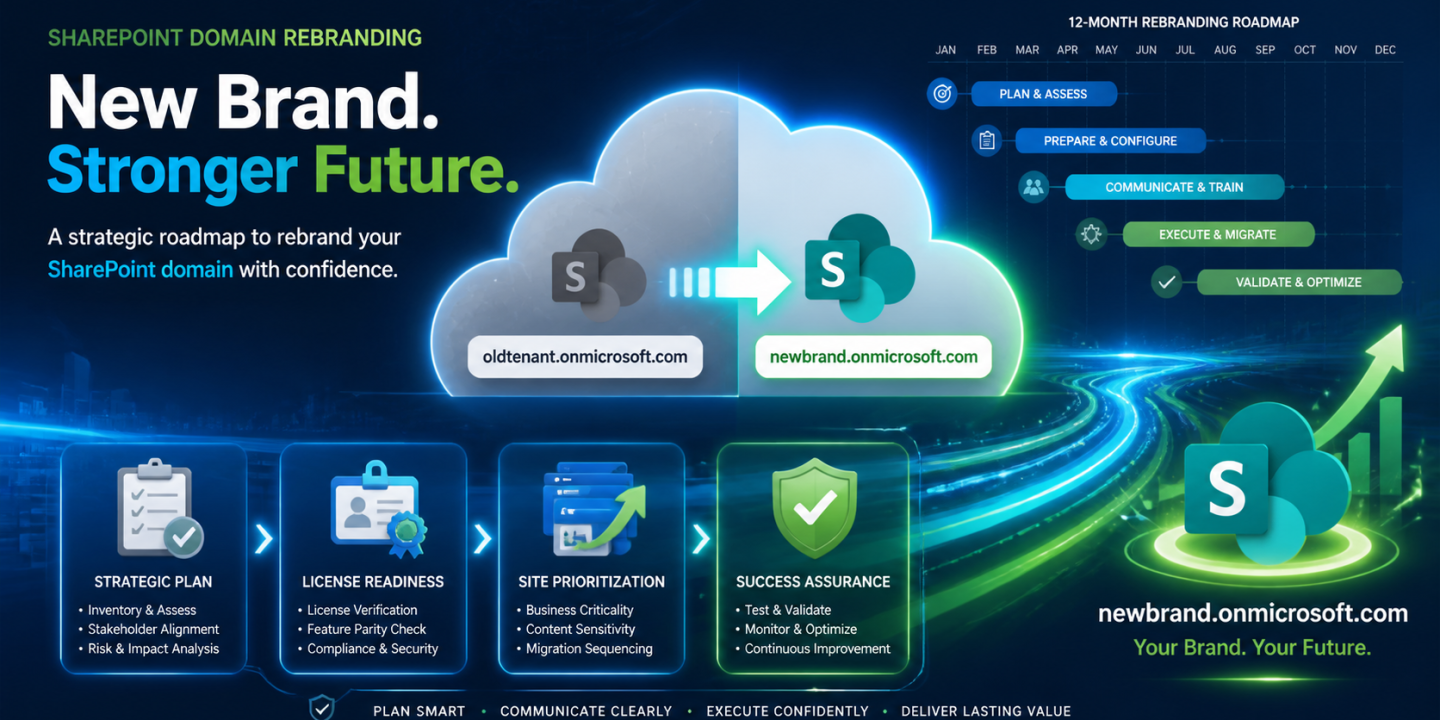
In today’s fast-paced business world, mergers, acquisitions, and brand refreshes demand a unified digital identity. Your SharePoint tenant’s old .onmicrosoft.com prefix no longer fits—it’s time to update it. Microsoft now supports domain renames, but this high-stakes move requires careful strategy to avoid disruptions.
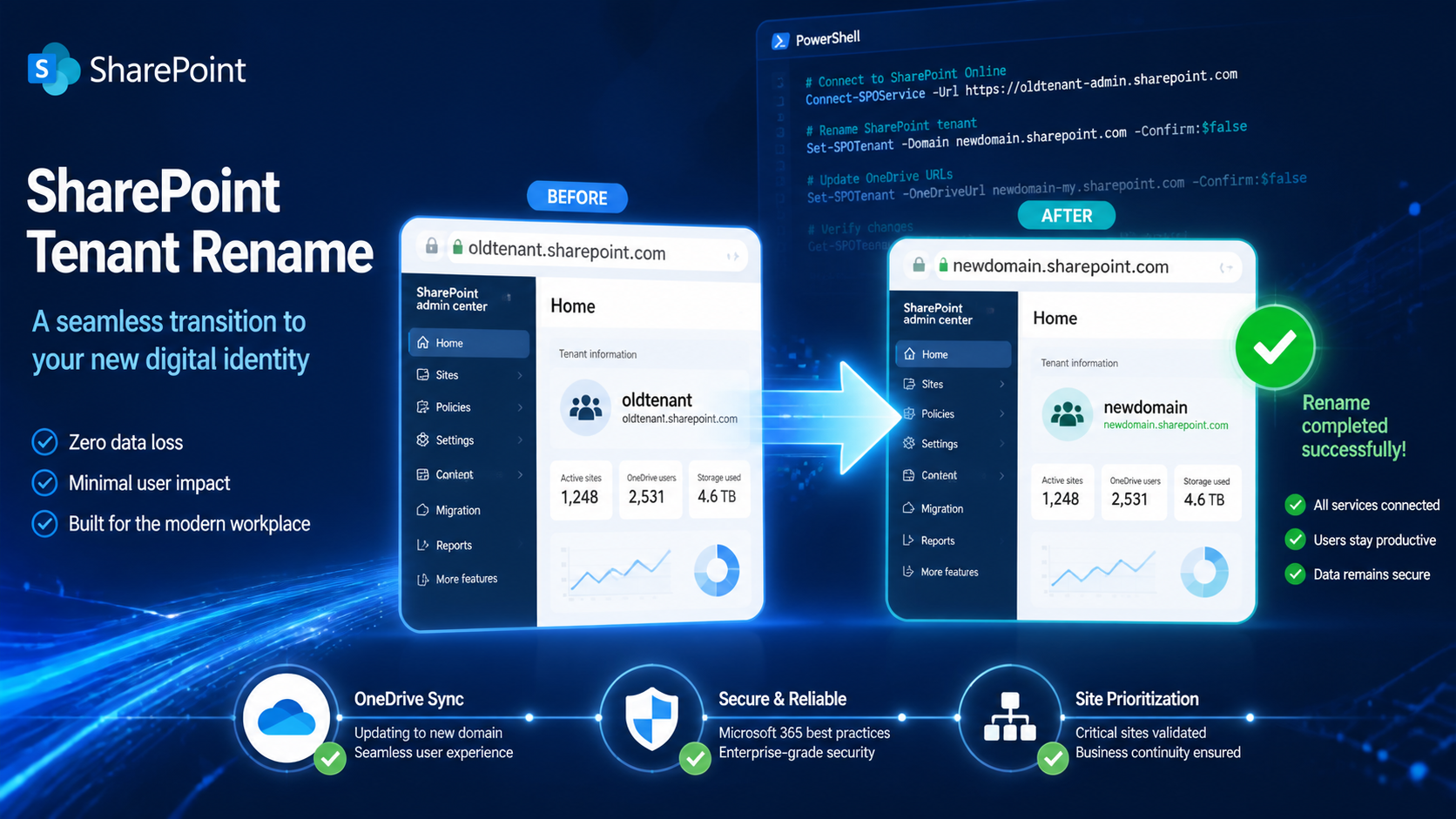
This guide covers the key requirements, options, timelines, and what stays the same, helping IT leaders plan a seamless transition.
The “Big Two” Requirements
Clear these hurdles before starting.
- Verify a new initial domain like fabrikam.onmicrosoft.com—custom vanity domains won’t work directly. Check availability early; if taken (even by internal shadow IT), delete the tenant and wait days for release.
- For over 10,000 sites, secure SharePoint Advanced Management (SAM) licenses for all users. Factor this into your rebranding budget upfront.
Standard vs. Advanced Rename
Choose based on your needs.
| Feature | Standard Rename | Advanced Rename (SAM Required) |
|---|---|---|
| Site Processing Order | Generic queue for SharePoint, Teams, OneDrive | Prioritize up to 4,000 VIP sites first (e.g., Intranet, executive OneDrives) |
| Best For | Small tenants | Large orgs with critical sites |
Advanced prioritization keeps key assets accessible fast.
The 12-Month Grace Period
Microsoft sets up automatic redirects from old URLs (e.g., contoso.sharepoint.com/sites/hr) to new ones, guaranteed for 1 year.
Use this window for a “search and replace” sweep: update docs, training videos, and hardcoded app links before redirects expire.
What Doesn’t Change
Set expectations with stakeholders.
- Email addresses remain unchanged.
- User principal names (UPNs) stay the same.
- The original onmicrosoft.com initial domain persists in the background; you’re just updating SharePoint routing.
With solid planning, your rebrand strengthens your cloud presence. Ready to execute? Pair this with technical playbooks for the full picture.

Adnan, a distinguished professional, boasts an impressive track record as a Microsoft MVP, having achieved this prestigious recognition for the eighth consecutive year since 2015. With an extensive career spanning over 18 years, Adnan has honed his expertise in various domains, notably excelling in SharePoint, Microsoft 365, Microsoft Teams, the .Net Platform, and Microsoft BI. Presently, he holds the esteemed position of Senior Microsoft Consultant at Olive + Goose.Notably, Adnan served as the MCT Regional Lead for the Pakistan Chapter from 2012 to 2017, showcasing his leadership and commitment to fostering growth within the tech community. His journey in the realm of SharePoint spans 14 years, during which he has undertaken diverse projects involving both intranet and internet solutions for both private and government sectors. His impact has transcended geographical boundaries, leaving a mark on projects in the United States and the Gulf region, often collaborating with Fortune 500 companies.Beyond his roles, Adnan is a dedicated educator, sharing his insights and knowledge as a trainer. He also passionately advocates for technology, frequently engaging with the community through speaking engagements in various forums. His multifaceted contributions exemplify his dedication to the tech field and his role in driving its evolution.





No Comments